Notion Template
Skill Builder Lite
Four pages. No complexity. The skill tracker you'll actually open every day.
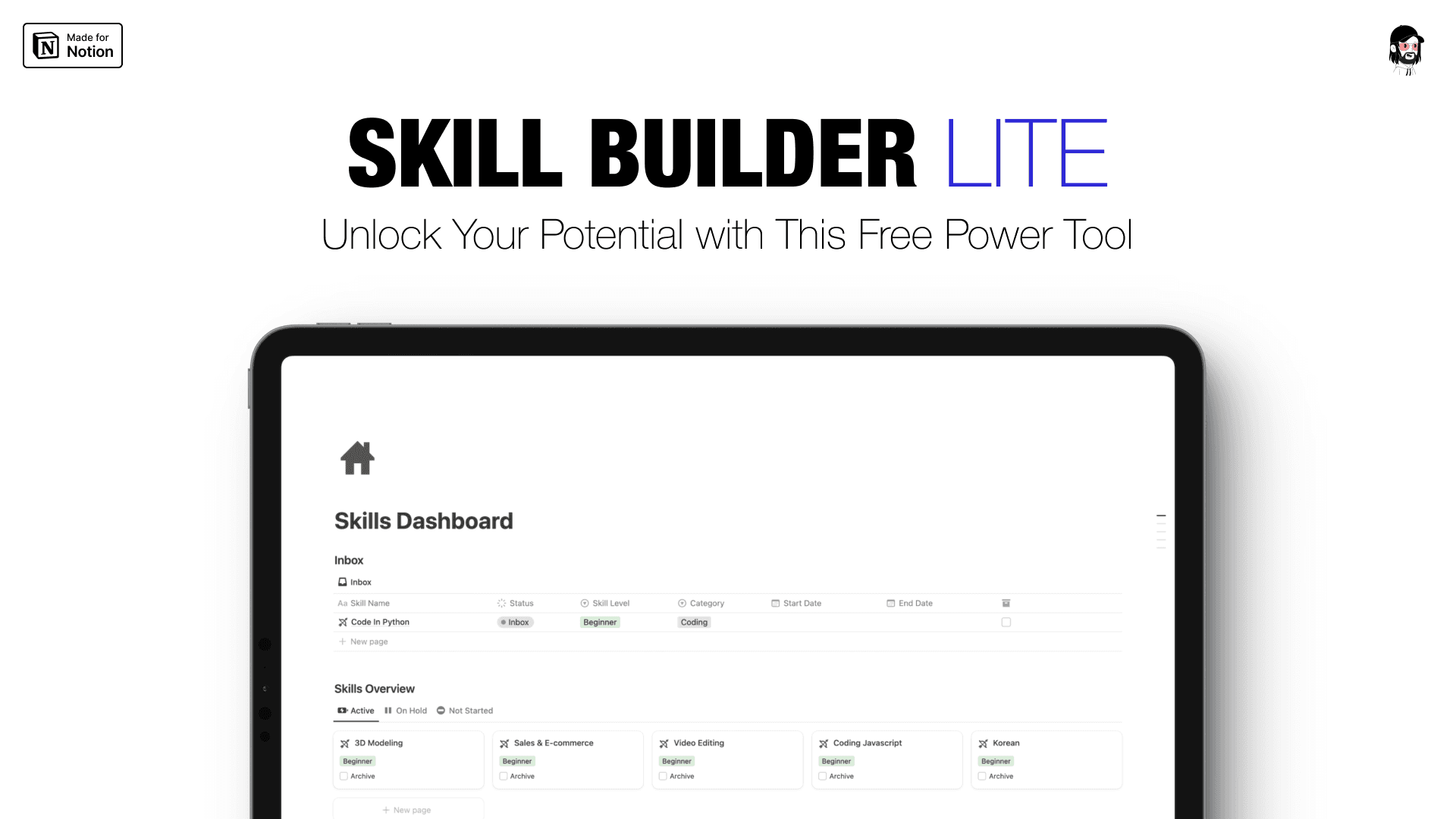
The system you'll actually use beats the system you won't. Most skill-learning systems fail not because they're bad — but because they're too complex to open twice. You set one up, fill in a few fields, get overwhelmed by the moving parts, and quietly stop touching it. Then another week goes by without logging a single practice session.
You already know the problem. You have skills you want to build. You start strong — a course here, some practice there — and then life intervenes and you lose the thread. You come back two weeks later not knowing where you left off, what you were working on, or how much time you've actually put in. Not because you lost motivation. Because you had nowhere to put the progress. Skill Builder Lite is that place.
The Story Behind It
This is how I built Made By Charlie.
Skill Builder Lite exists for exactly that reason. Four pages. No automation. No formulas to troubleshoot. No Notion experience required. Just a clean, quiet workspace to track what you're building and where you've been.
Simple enough to open every day. That's the whole point.
Built For You If
This is for you if...
You've tried Notion before and found it overwhelming.
This is four pages, not forty. There's nothing to configure before you can start.
You're new to Notion entirely.
No experience needed. Duplicate the template, add your first skill, log your first session. That's the whole setup.
You want to track your skills without managing the tracker.
Skill Builder Lite does one thing and does it cleanly. No second job managing a complex system.
You've tried complex systems and abandoned them.
This one is designed to survive contact with real life.
Ready to start?
One-time purchase. Yours forever.
What's Inside
Everything you need. Nothing you don't.
- Skill Library — every skill you're currently building, in one place. No more mental juggling of what you're working on and what's on the back burner.
- Practice Hub — log a session, track your hours, see your progress accumulate. No complex formulas — just an honest record of the work you're putting in.
- Resources Dashboard — every course, video, article, and podcast you're using, saved and linked to the skill it belongs to. Never lose track of a resource again.
- Reflections & Notes — capture what's clicking, what isn't, and what you want to try next. This is where the real learning compounds.
The Difference
Before vs. after.
Your Purchase
What you get — instantly.
- Skill Library — every skill you're building, in one organized view
- Practice Hub — session logging, hour tracking, visible progress
- Resources Dashboard — every course, video, and article linked to the right skill
- Reflections & Notes — capture what's working and what to try next
- Works on Notion's free plan — no paid upgrade needed
- Works on any device — desktop, tablet, mobile
- No Notion experience required — open it and start
- One-time payment — yours forever, no subscriptions
Compare
Lite is great. OS is the full system.
Skill Builder Lite
$9
- ✓ 4 clean pages
- ✓ Manual session logging
- ✓ Resource tracking
- ✓ Reflections & notes
- — No automation
- — No skill level tracking
Skill Builder OS
$29 $79
- ✓ Everything in Lite
- ✓ Automated progress tracking
- ✓ Skill level system (Beginner → Expert)
- ✓ Interlinked dashboards
- ✓ One-click session logging
- ✓ Micro-task breakdown system
Who It's For
Built for people who are done starting over.
Built for people who want simple and focused. If you've been burned by systems that were too complex to maintain, this is built for you. No Notion experience needed. Duplicate it, add your first skill, and start. You can always upgrade to Skill Builder OS when you're ready.
FAQ
Questions, answered.
No. Skill Builder Lite works fully on the free version of Notion.
None. Duplicate the template, add your first skill, and you're done with setup.
Skill Builder OS has automated progress tracking, dynamic skill level progression, and a more complex interlinked system. Lite is intentionally simpler — four clean pages, no automation, no learning curve. If you've been burned by systems that were too complex to maintain, this is built for you.
Yes. If you outgrow Lite and want the full automated system, Skill Builder OS is always available.
Instant access to a Notion template. Duplicate it into your workspace and you're ready to go.
Pairs with → Use the 110+ High-Income Skills Database to find the skill worth building. Use Skill Builder Lite to track the hours. Ready for the full system? Upgrade to Skill Builder OS.
You Might Also Like
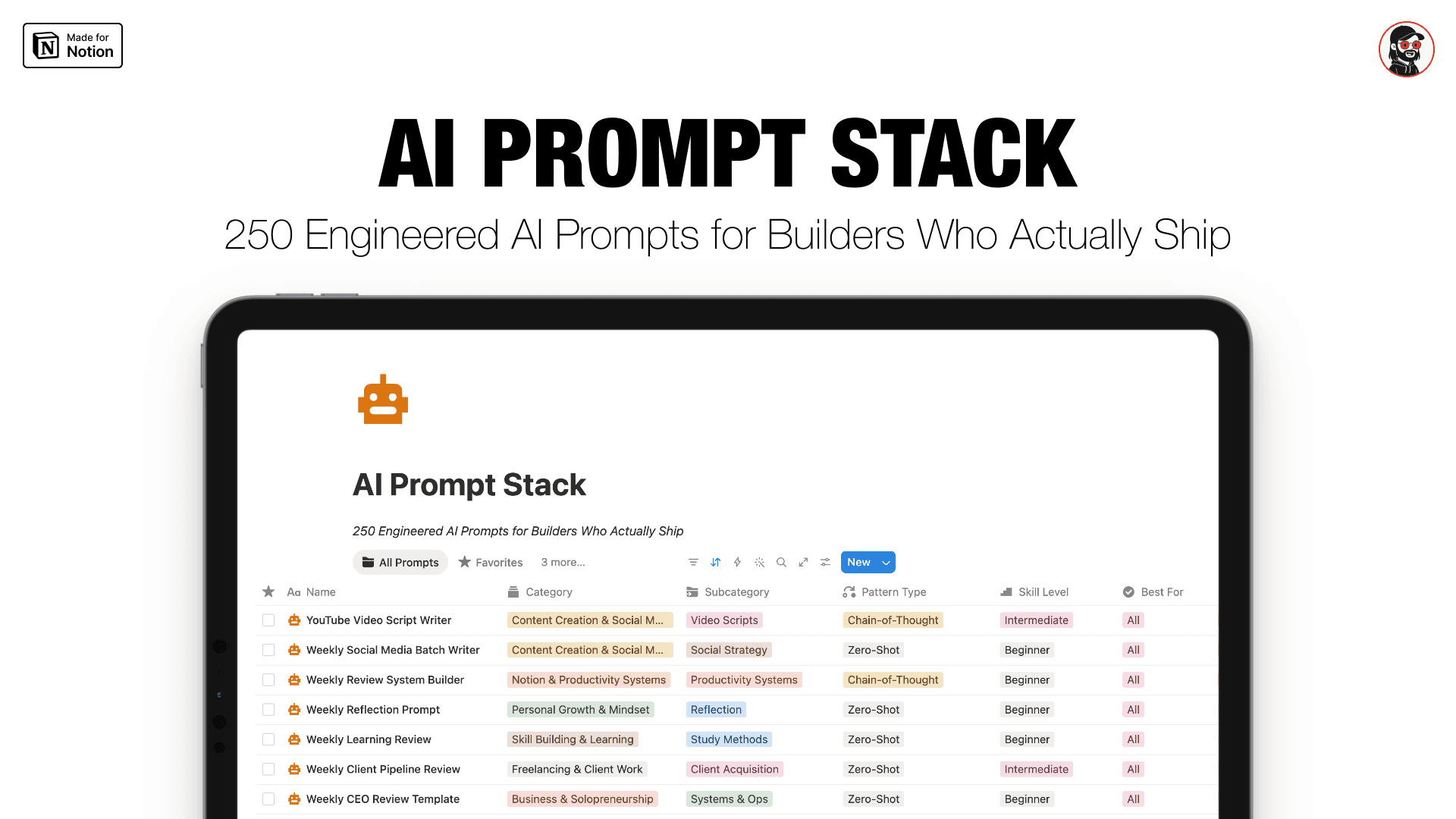
AI Prompt Stack
250 engineered AI prompts. Notion database + Google Doc. Usable output on the first try.
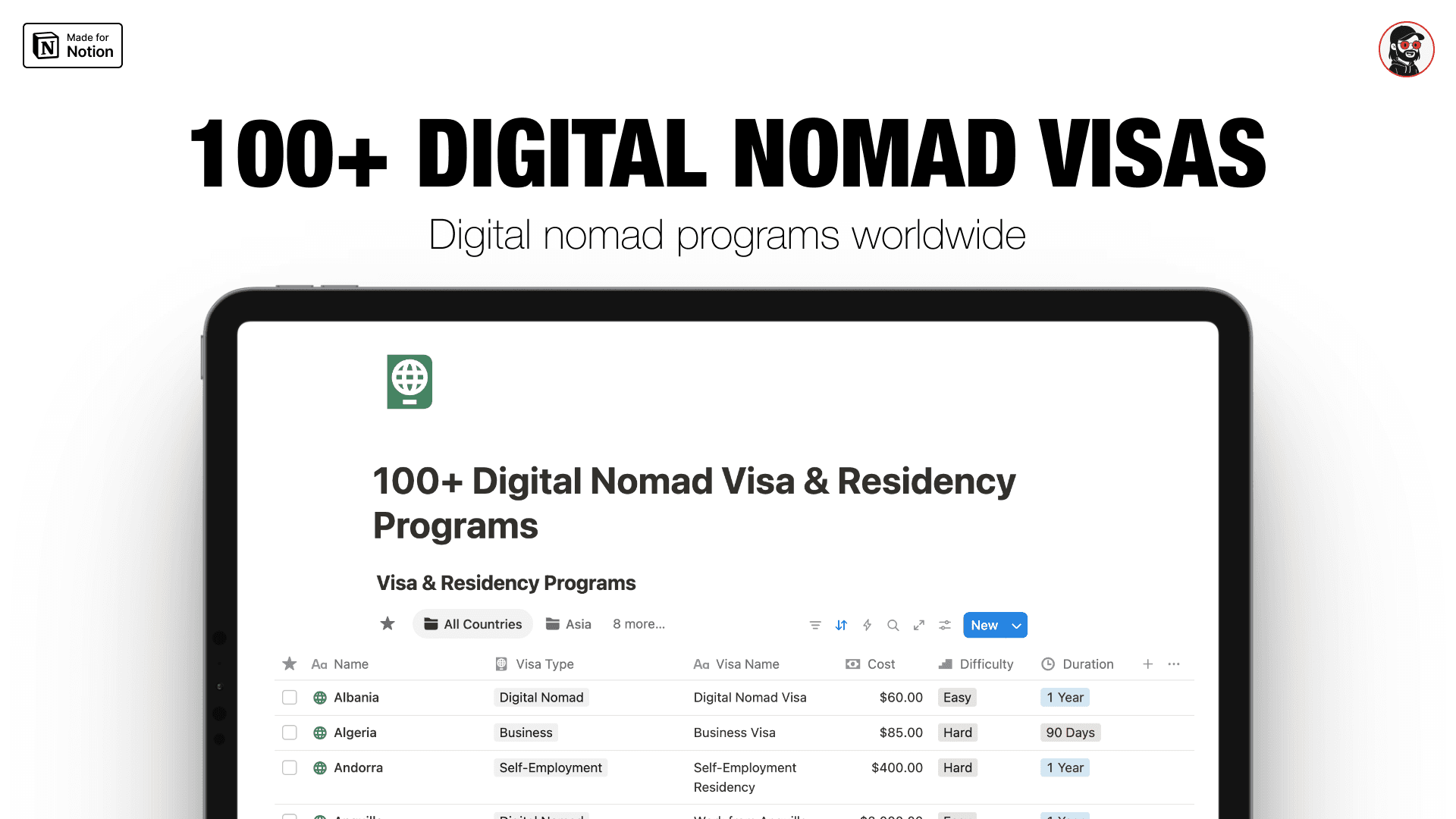
100+ Digital Nomad Visas
100+ countries. Every program researched. Every cost listed. One searchable database.
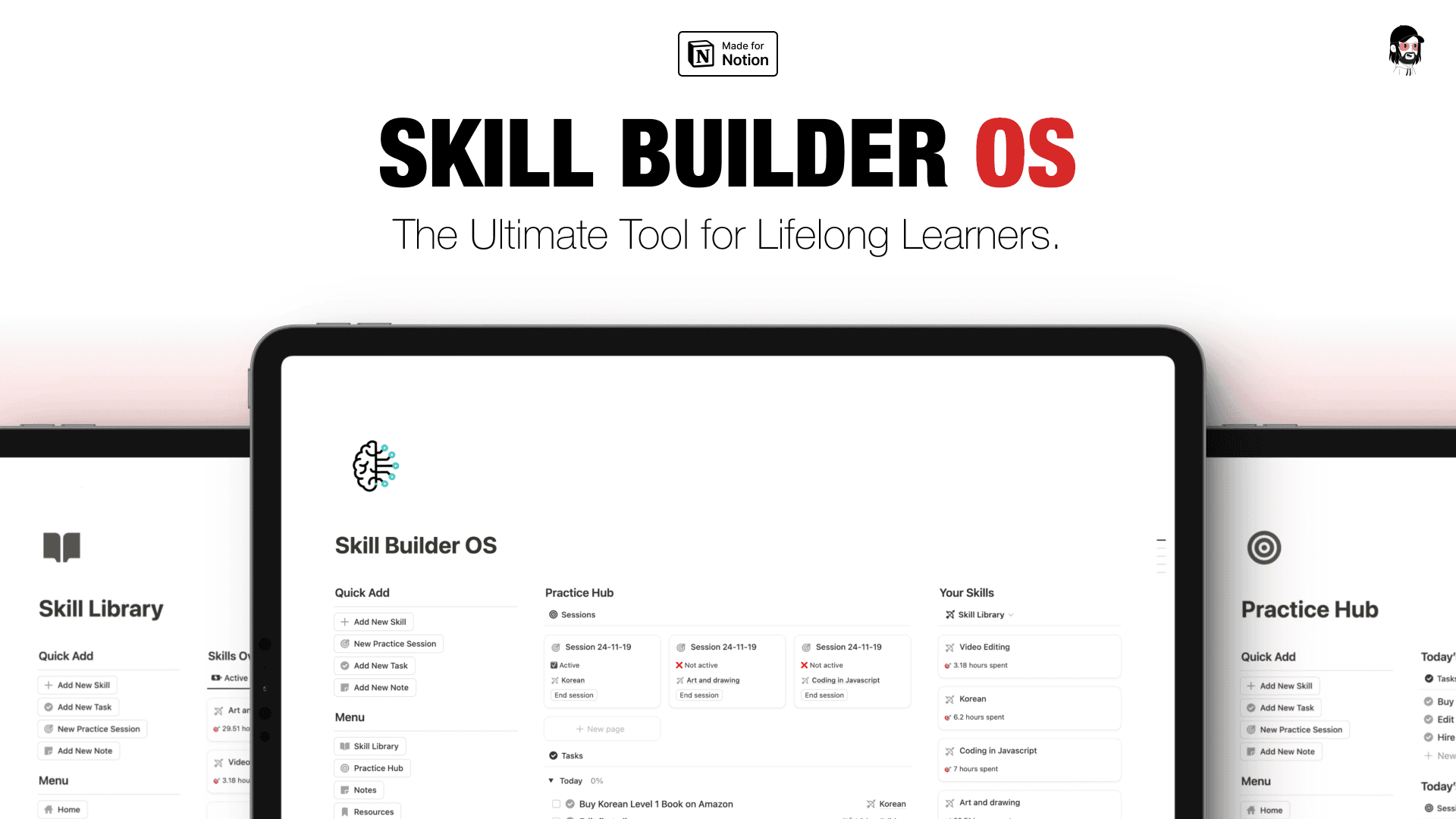
Skill Builder OS
The Notion system that turns practice hours into real, measurable skill.
Progress is just sessions that got recorded.
Every hour you practice without logging it is an hour that doesn't compound. Not because the practice doesn't count — but because you can't see it, can't build on it, and can't point to it when it matters.
Four pages. Open it today. Log the first session tonight.